Invisiwind
Make any window invisible to screen sharing and recording. You still see it but nobody else on the call does.

You share your full screen.
They see what you want them to see.
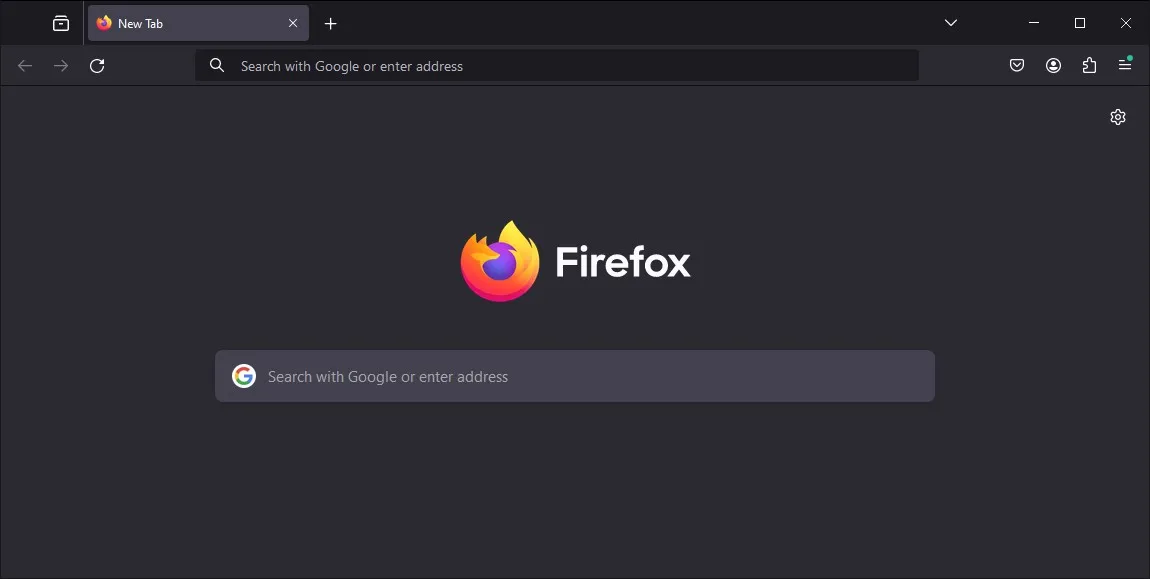
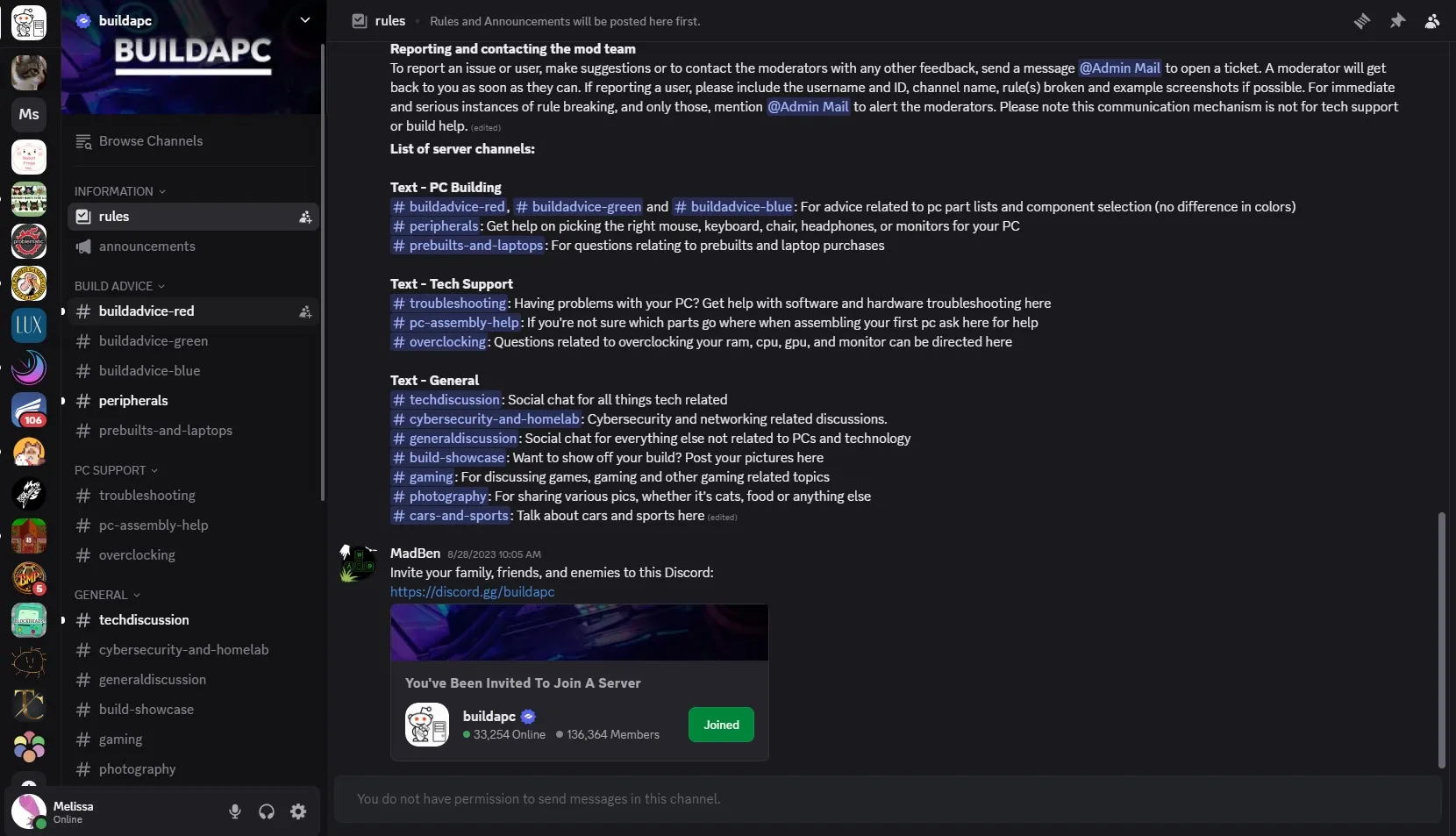
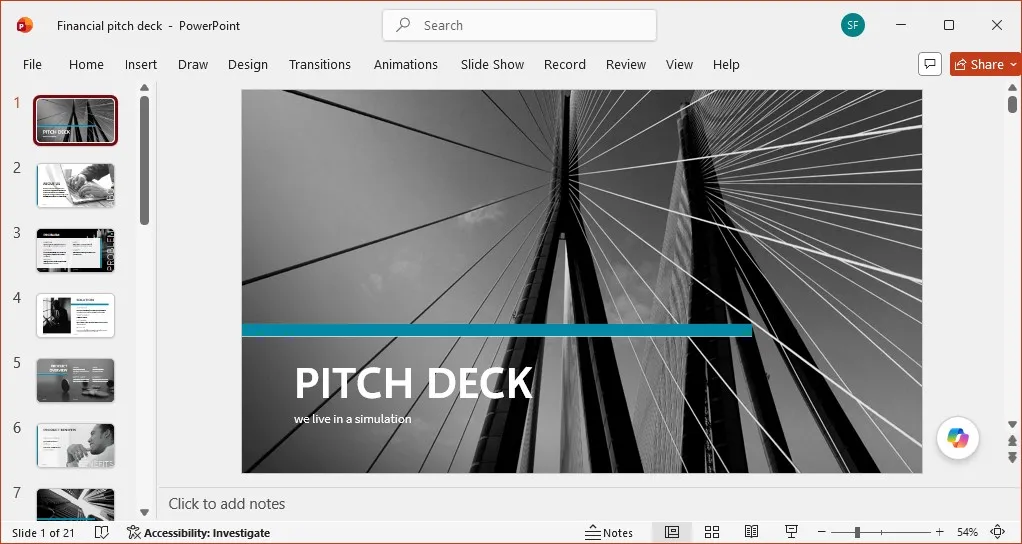
Here, only Powerpoint is visible. The Firefox and Discord windows are invisible to everyone on the screenshare, as if they don't exist.Here, only Powerpoint is visible. The Discord window is invisible to everyone on the screenshare, as if it doesn't exist.




Questions
How does it actually work?
Invisiwind sets the display affinity flag for windows you don't want to share. That prevents the compositor from compositing the window content onto any recording buffer.
What apps does it work with?
All of them. Because the exclusion happens at the OS level, Zoom, Teams, Discord, Meet, OBS, Steam and the Snipping Tool all get the same result: the window is missing from what they capture.
What are the limits?
It only covers what the operating system draws. A phone camera pointed at your monitor, a hardware capture card sitting between your PC and a second display, or someone standing behind you will all still see the window.
Which versions of Windows are supported?
Windows 10 version 2004 and newer, including Windows 11. It still works with older versions of Windows, but it turns into a black rectangle in the capture instead of disappearing.
Does it need admin rights?
No.
Is it safe? My antivirus flagged it.
Invisiwind is open source, so every line it runs is on GitHub. The technique it uses looks unusual to heuristic scanners, which sometimes produces a false positive - but you can build it yourself from source if you would rather not take our word for it.
Does it cost anything?
No. It is free and open source, with no account, no telemetry and no background service left running.